
Account Center
You can register and log in to the NEXhome Developer Platform.
On the homepage, click the user icon in the top right corner and select Account to start account settings.
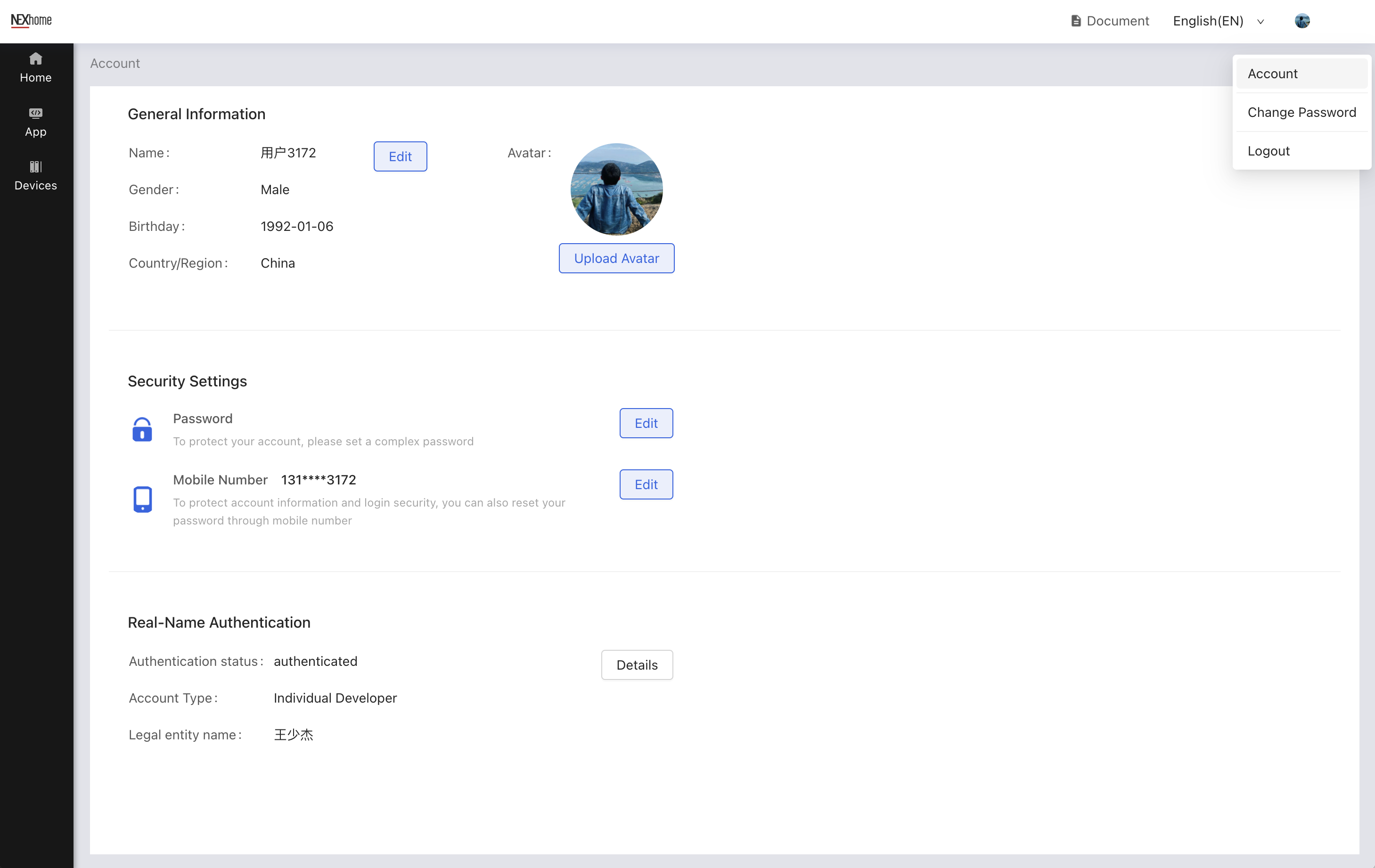
On the My Account page that appears, you can set up the following options:
Basic Information:Nickname, gender, and birthday information.
Security Settings: Password and secure Mobile Number.
Real-Name Authentication:Support two Real-Name Authentication methods for individual developers and enterprise developers.